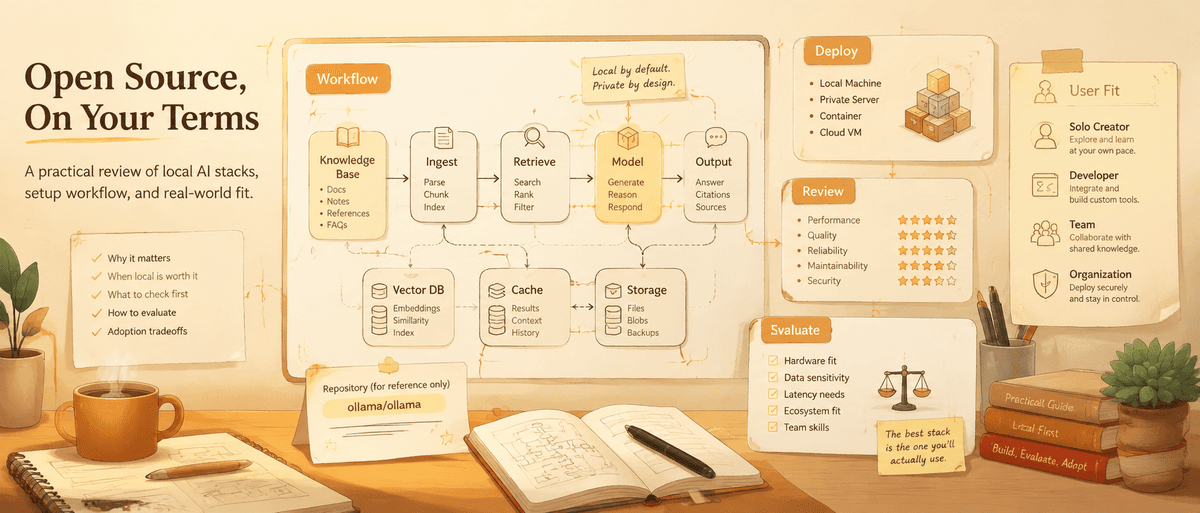
Ollama + Open WebUI: The Local AI Stack Non-Coders Can Actually Understand
A practical guide to why Ollama and Open WebUI keep appearing in social AI discussions, when the local stack is worth it, and what users should check first.
Local AI has a simple promise: run useful language models on your own machine instead of sending every prompt to a hosted service. We have been testing this stack for internal evaluations, and the operational reality is more nuanced than the promise ?but for the right team, it works remarkably well.
Two repositories appear again and again in that conversation: Ollama and Open WebUI. Ollama handles the local model-running layer. Open WebUI gives users a browser-based interface that feels closer to a familiar chat product.
TikHub captured both projects in a 2026 YouTube video listing top AI GitHub repositories. That video was smaller than some viral social clips, but the project data is hard to ignore. When checked on August 13, 2026, Ollama had about 178,421 GitHub stars and an MIT license. Open WebUI had about 148,667 stars and recent activity. The two projects are not the same product, but together they form one of the clearest entry points into local AI.
Why the Pair Works
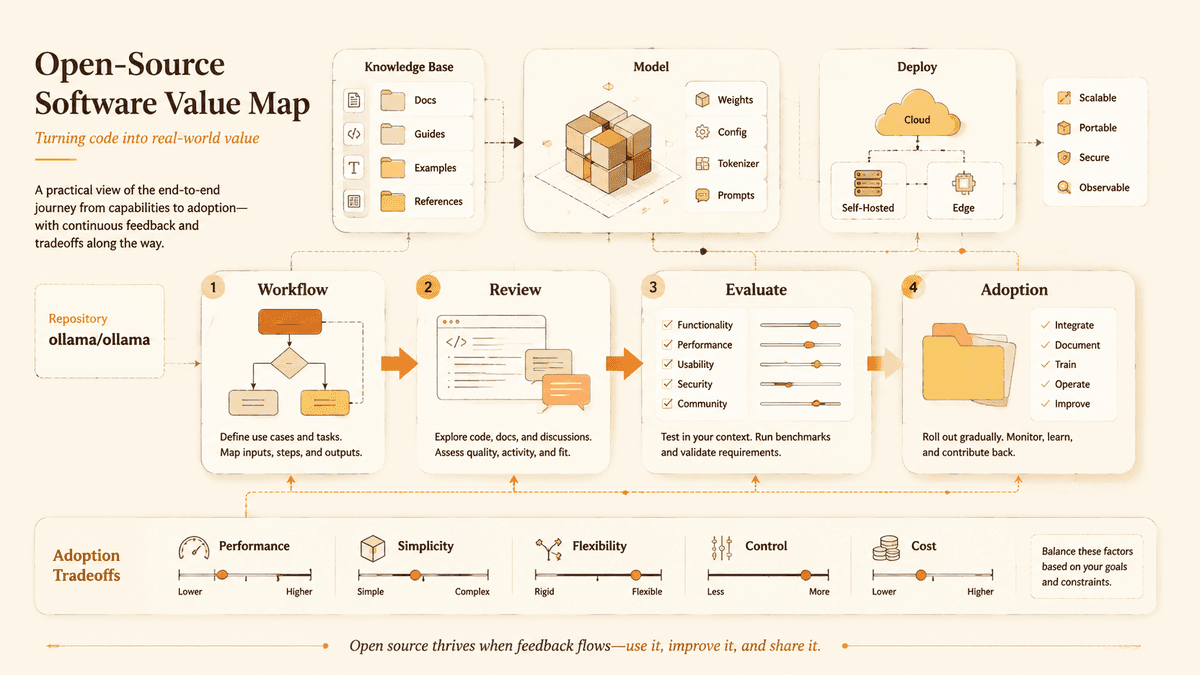
Ollama is useful because it makes local model management feel less mysterious. Instead of manually downloading model files, configuring runtimes, and learning every inference backend, users get a simpler way to run supported models.
Open WebUI is useful because many people do not want to interact with local AI through a terminal forever. A browser interface lowers the psychological barrier. It gives users chats, settings, model selection, and a more familiar workflow.
Together, they split the problem cleanly: Ollama runs models; Open WebUI helps humans use them. That separation is why the stack is easier to explain than a monolithic AI platform.
Why It Spreads on Social Media
Local AI is easy to market because it touches three emotions at once: curiosity, control, and cost anxiety. People want to know whether they can run AI without depending entirely on cloud services. They also want to know whether "free open-source AI" is real or just a slogan.
Ollama and Open WebUI give creators a concrete demo path. Install a runner, open a web interface, pull a model, ask questions. The result is visual enough for social media and practical enough for real users.
But the viral framing can hide trade-offs. Local AI is not automatically private if you connect cloud APIs. It is not automatically free if you buy hardware or run large models slowly. It is not automatically good if the model is too small for your task. The stack is powerful because it gives choices, not because every choice is easy.
What Users Actually Report
The r/LocalLLaMA community consistently rates Ollama as the easiest way to get started with local models. Community benchmarks report around 55 tokens per second on Llama 3.1 8B with consumer hardware ?fast enough for conversational use but noticeably slower than hosted APIs on larger models.
Developers in self-hosting communities report that the initial Ollama install takes under two minutes on macOS or Linux. The most common friction point is Open WebUI's Docker setup: users who have never used Docker spend 20?0 minutes on that step alone. Once running, the pair "just works" for single-user local chat. Multi-user and GPU passthrough setups are where complexity spikes.
Recurring community pain points:
- VRAM management confusion when switching between models of different sizes
- Open WebUI updates occasionally break custom configurations
- Disk space surprises: a single 70B model can consume 40+ GB
The consistent positive: users who stay past the first hour rarely go back to cloud-only workflows for exploration and prototyping tasks.
Hardware Reality Check
| Setup | Min. RAM | GPU | Models That Run Well | Experience |
|---|---|---|---|---|
| MacBook M1/M2 8 GB | 8 GB | Integrated | 3B?B (Phi-3, Gemma 2) | Usable for light tasks |
| Desktop 16 GB + RTX 3060 | 16 GB | 12 GB VRAM | 7B?3B (Llama 3.1, Mistral) | Good balance |
| Desktop 32 GB + RTX 4090 | 32 GB | 24 GB VRAM | Up to 70B quantized | Near cloud-quality |
| Server 64 GB+ | 64 GB+ | Multi-GPU | 70B+ full precision | Production-grade |
Deployment Difficulty
Git-Stars score: Medium
Ollama alone is relatively approachable. The challenge begins when users add a web UI, persistent storage, multiple users, remote access, backups, or GPU expectations.
For a single user on a modern laptop or desktop, the first experiment can be reasonable. For a team deployment, the difficulty rises quickly. You need to think about authentication, network exposure, model downloads, disk space, RAM, GPU memory, update cadence, and what happens when several people use the same machine.
Non-coders should start with a local-only test and a small model. Ask Codex to explain which command starts Ollama, which port Open WebUI uses, where model files are stored, and how to stop the services. Do not expose the interface to the public internet before understanding authentication and security.
Commercial Usability
Git-Stars score: Mixed
Ollama reports an MIT license, which is generally business friendly. Open WebUI requires more careful review because commercial usability depends on the repository's current license terms, dependencies, deployment mode, and any models or services you connect.
The larger issue is that local AI stacks have multiple license layers. The app license is only one layer. Model licenses can differ widely. Some models allow commercial use; some impose restrictions; some require attribution or have acceptable-use terms. If you connect a hosted model API, that provider's terms also apply.
For business use, document all four layers: the runner, the UI, the model, and the data. A local stack is attractive precisely because it gives control, but control without documentation can become risk.
Capability Ceiling
Git-Stars score: High, limited by hardware and model choice
The ceiling is high because the stack can support many workflows: local chat, document experiments, coding assistance, internal prototypes, offline demos, and private model evaluation. It also gives users a base for comparing models instead of judging everything through a single hosted chatbot.
The limits are equally real. Smaller local models may struggle with complex reasoning, long context, or specialized tasks. Large models may require more RAM, disk, and GPU memory than casual users expect. Open WebUI improves the interface, but it does not remove model limitations.
The right expectation is not "replace every hosted AI product." The better expectation is "create a controllable local lab for AI work."
Alternatives and Complements
LM Studio is often easier for non-coders who want a desktop experience, though it is not the same kind of GitHub-centered open source project.
Dify is stronger when you need to build AI apps, RAG workflows, or team-facing products.
RAGFlow is more focused on retrieval and knowledge-base quality.
open-notebook is better when the primary use case is working with documents in a notebook-like space.
Ollama + Open WebUI remains attractive because it is a foundation. It may not be the final app, but it helps users understand the local AI stack.
Who Should Try It
Try this stack if you want to learn local AI, compare models, reduce dependence on hosted chat tools, or prototype private workflows. It is especially useful for technical writers, students, developers, privacy-minded teams, and founders testing internal ideas.
Avoid treating it as production infrastructure without a deployment review. If you need user management, compliance, audit logs, data retention controls, and support, a more managed platform may be safer.
For non-coders, this is one of the better open-source experiments to do with Codex because the pieces are understandable. Ask for a setup map before running commands, as described in our Codex guide for non-coders.
Git-Stars Verdict
Ollama and Open WebUI keep showing up because they make local AI visible. One project gives the model a place to run; the other gives the user a place to interact. That combination is simple enough to explain and flexible enough to matter.
The stack is not magic, and it is not automatically cheaper, safer, or better than hosted AI. Its real value is that it turns local AI from an abstract idea into something people can inspect. For Git-Stars, that makes it a core topic in the LLM Tool and AI App categories.
More Insights
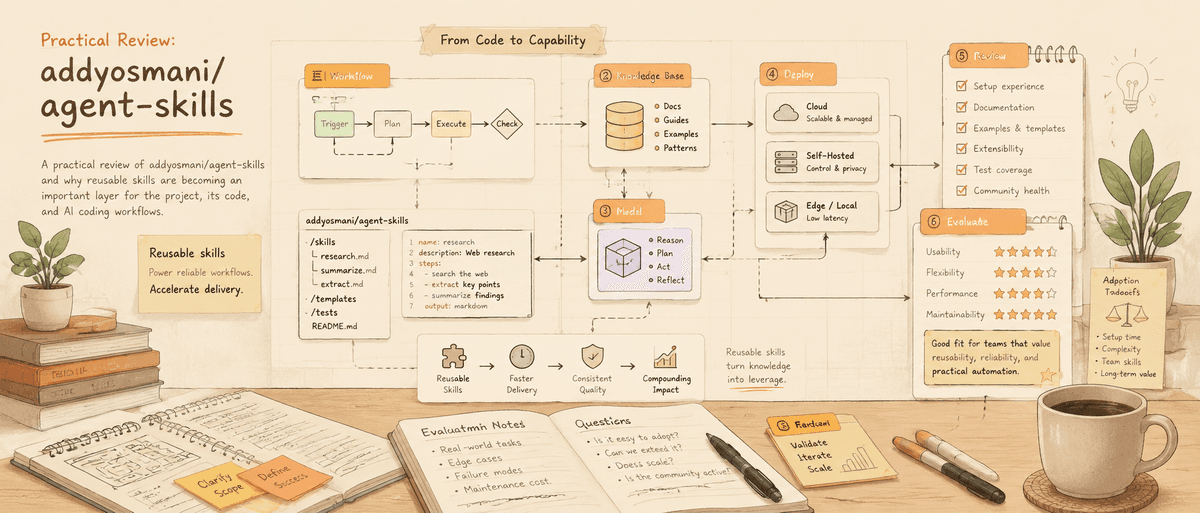
Agent Skills: Why AI Coding Agents Need Reusable Working Memory
A practical review of addyosmani/agent-skills and why reusable skills are becoming an important layer for Codex, Claude Code, and AI coding workflows.
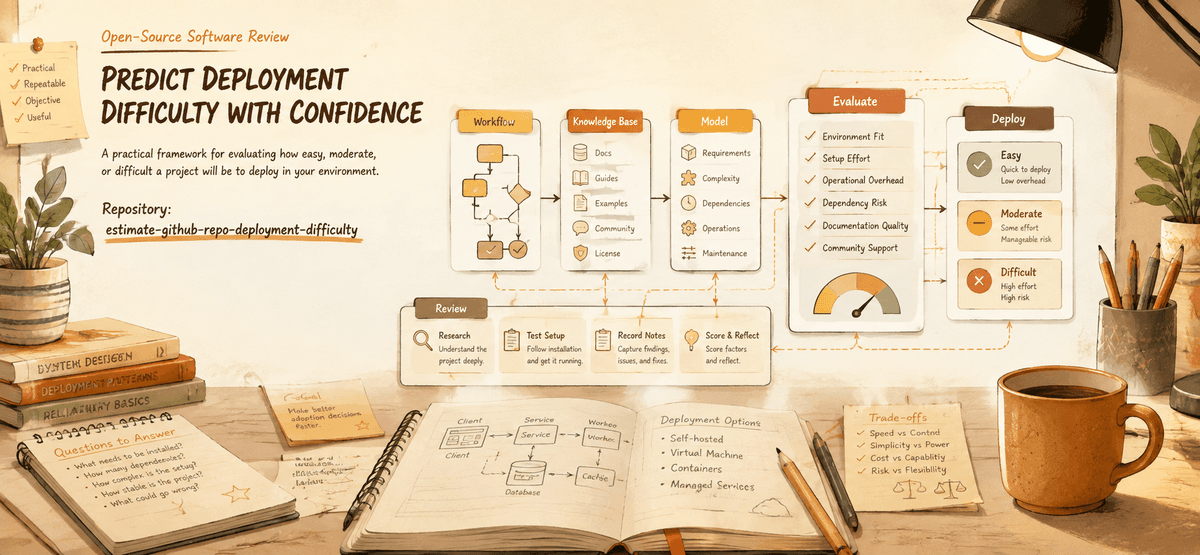
How to Estimate Deployment Difficulty Before You Clone a Repo
A practical framework for predicting whether a GitHub project will be easy, moderate, or difficult to deploy.
Why Voice and Audio AI Projects Are Becoming Viral
A practical look at why open-source voice, speech, and audio AI repositories attract attention and how users should evaluate them.
Newsletter
Join the community
Subscribe to our newsletter for the latest news and updates