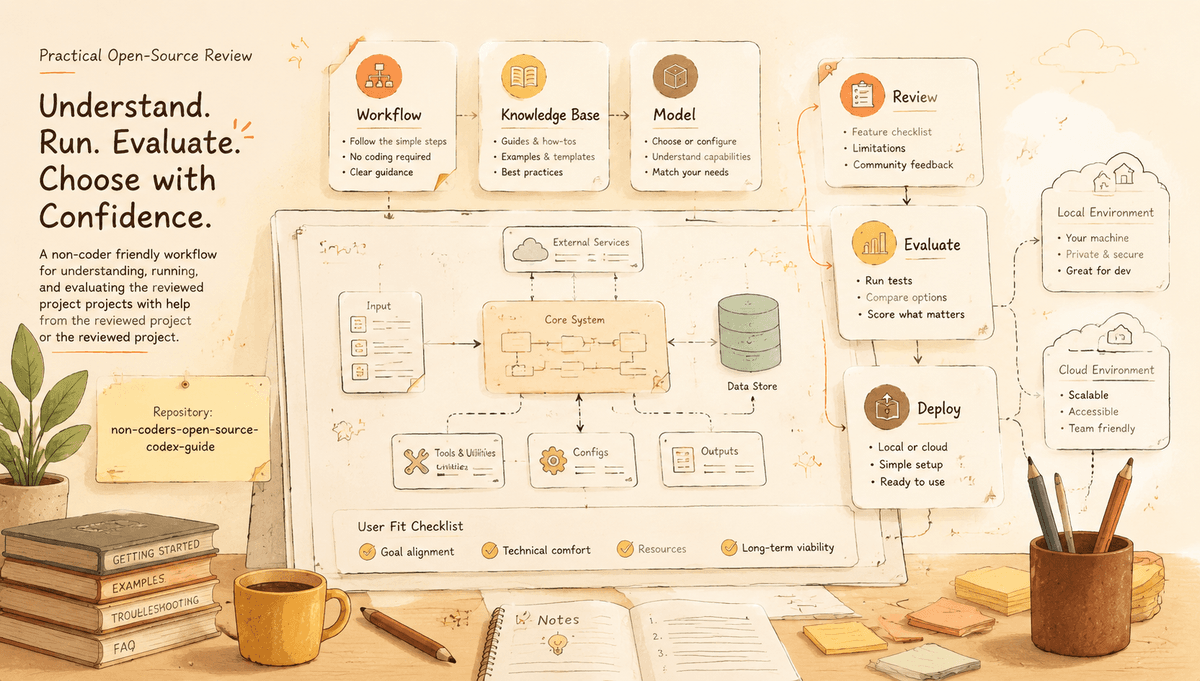
How Non-Coders Can Try Open-Source Tools with Codex
A non-coder friendly workflow for understanding, running, and evaluating GitHub projects with help from Codex or Claude.
Open source is no longer only for professional developers. If you are a designer, marketer, founder, educator, or creator, you have probably found tools on GitHub that could save you hours ?only to get stuck at the installation step. This guide is for you.
Here is the reality: GitHub still speaks mostly to developers. If you do not write code every day, a promising repository can feel like a locked room. The README mentions Docker, environment variables, Node versions, Python virtual environments, GPUs, API keys, ports, and package managers. One wrong command can produce an error that looks more like a wall than a clue.
Codex and Claude can help, but only if you use them as careful technical assistants rather than magic buttons. The goal is not to ask an AI to "install this" and hope. The goal is to make the project understandable enough that you can decide whether it is worth your time.
Start by Asking What the Tool Actually Does
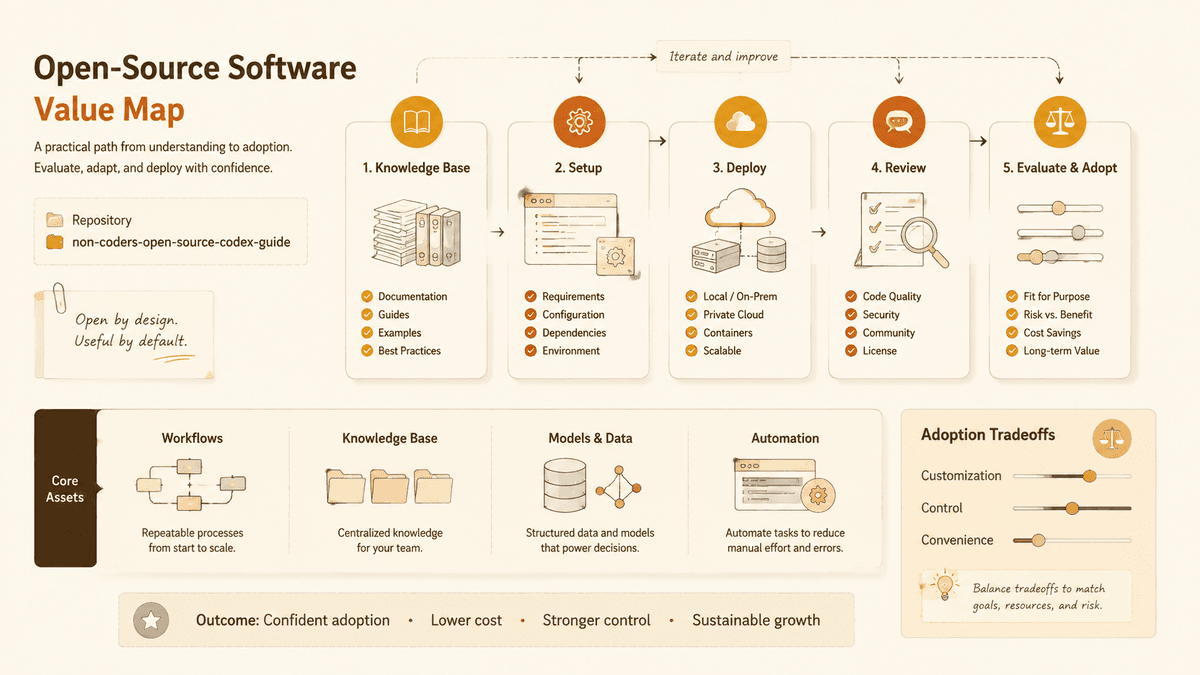
Before cloning anything, paste the repository URL into your assistant and ask for a plain-language summary:
Explain what this GitHub project does, who it is for, what problem it solves, and what kind of computer or account it likely requires.
This first step protects you from installing tools that solve the wrong problem. A repository may look like a complete app but actually be a framework. Another may look simple but require a paid API. A third may be powerful but assume GPU hardware.
For example, n8n is an automation platform for connecting services and building workflows. ComfyUI is a node-based interface for AI image generation workflows and often depends on model files and GPU setup. Ollama helps run local language models, but model size and hardware matter. These projects can all be valuable, but they are not equally friendly to every user.
Ask for a Setup Map, Not Just Commands
The biggest mistake non-coders make is copying commands without understanding what each layer does. Instead, ask Codex or Claude to produce a setup map:
- What software must be installed first?
- Which commands create the local environment?
- Which environment variables or API keys are needed?
- Which port should open in the browser?
- What files are safe to edit?
- What are the most likely errors?
This turns a mysterious README into a checklist. If the assistant cannot explain the setup clearly, that is a useful signal. The project may be poorly documented, unusually complex, or outside the assistant's reliable knowledge.
Do not skip version requirements. Many installation failures come from using the wrong Node, Python, CUDA, or package manager version. Ask the assistant to read the repository's files, not guess from the project type.
Use a Disposable Folder First
Never test an unfamiliar repository inside an important work folder. Create a new folder specifically for experiments. If the project fails, you can delete the folder without risking your documents or production files.
For local tools, ask the assistant which files the project may create. Some apps store databases, model downloads, cache files, logs, or uploaded media. That does not make them unsafe, but you should know where those files live.
If the project asks for cloud credentials, payment keys, email credentials, or database access, slow down. Use test accounts and restricted keys. Do not paste your main production secrets into a project you have not evaluated.
Prefer Docker When You Do Not Understand the Stack
Docker is not always easier, but it often reduces the number of things you need
to install directly on your computer. If a project provides a maintained
docker compose setup, ask your assistant to explain what services it starts:
the web app, database, queue, cache, worker, or model server.
For non-coders, Docker helps because it keeps dependencies contained. The trade off is that Docker error messages can also be confusing. Ask the assistant to interpret logs one service at a time. If five services start and one fails, you need to know which one failed and why.
Projects like Dify, n8n, and Supabase self-hosted can involve multiple services. That is normal for application platforms, but it means the setup difficulty is higher than a single command-line tool.
Know When a Hosted Version Is the Better Choice
Open source does not always mean you should self-host. Many projects offer both source code and a hosted service. The hosted service may cost money, but it can save time, updates, backups, security patches, and deployment work.
For non-coders, the decision is practical:
Self-host when you want control, privacy, learning, or customization, and you can tolerate setup time.
Use hosted when you need reliability, collaboration, support, or a tool that works immediately.
Avoid for now when the repository has unclear licensing, stale maintenance, or installation issues you cannot diagnose.
Git-Stars' Viral Repos reports include deployment difficulty and commercial usability for this reason. A project can be exciting and still be the wrong first choice for a non-coder.
Quick Reference: Self-Host vs. Hosted vs. Skip
| Scenario | Recommendation | Why |
|---|---|---|
| Privacy-sensitive data (health, legal, finance) | Self-host if capable, else skip | Cloud tools may store your data |
| Need it working today for a client | Use hosted version | Setup risk too high under deadline |
| Learning / exploring a category | Self-host in disposable folder | Low stakes, high learning value |
| Project has unclear license | Skip or wait | Legal risk not worth the experiment |
| README issues full of install failures | Skip or use hosted | You will likely hit the same problems |
| Small tool, one binary, MIT license | Self-host | Low risk, high reward |
| Complex multi-service platform (Dify, Supabase) | Start with hosted free tier | Evaluate before committing to self-host |
For more detail on estimating whether a project will be easy or hard to deploy, see our deployment difficulty framework.
Use Codex to Ask Better Questions
Once the project starts, the work is not finished. Ask the assistant to help you understand the running app:
- What should I test first?
- Which features prove this tool solves my use case?
- Where are outputs stored?
- What data leaves my machine?
- Which settings affect cost or privacy?
- What would make this tool unsuitable?
These questions are more valuable than "how do I install it?" They help you evaluate whether the tool belongs in your workflow.
For AI tools, ask specifically about model cost, local versus cloud inference, license restrictions, and whether the project sends prompts or files to third party services. A polished UI can hide important operational details.
Keep an Experiment Log
Non-coders often lose progress because they do not record what worked. Keep a simple note with:
- Repository URL
- Date tested
- Setup path used
- Commands that worked
- Errors and fixes
- Whether it required paid services
- Whether it solved the real problem
- Final decision
This turns experiments into knowledge. If you later ask a developer for help, the log will save hours. If you compare three alternatives, the log prevents you from choosing the one with the best demo but worst setup.
A Safe Prompt to Use
Here is a prompt that works well with Codex or Claude:
I am not a professional developer. Review this GitHub repository for me. Explain what it does, what I need before installing it, whether it is suitable for non-coders, whether it appears open-source and commercially usable, and the safest way to test it locally. Do not assume I should install it. First tell me what could go wrong.
That last sentence matters. It changes the assistant from an installer into an evaluator.
The Real Goal
The goal is not to turn every non-coder into a software engineer. The goal is to make open-source tools less opaque. With the right questions, Codex and Claude can help you understand what a repository does, what it requires, and whether it is worth testing.
Some projects will still be too technical. That is not a failure. A clear "not worth it for my situation" is a successful evaluation. The best outcome is not always installation. Sometimes the best outcome is choosing a hosted tool, a simpler alternative, or waiting until the project matures.
Open source becomes more useful when more people can evaluate it honestly. That is the practical bridge AI assistants can provide.
Author
Categories
More Insights
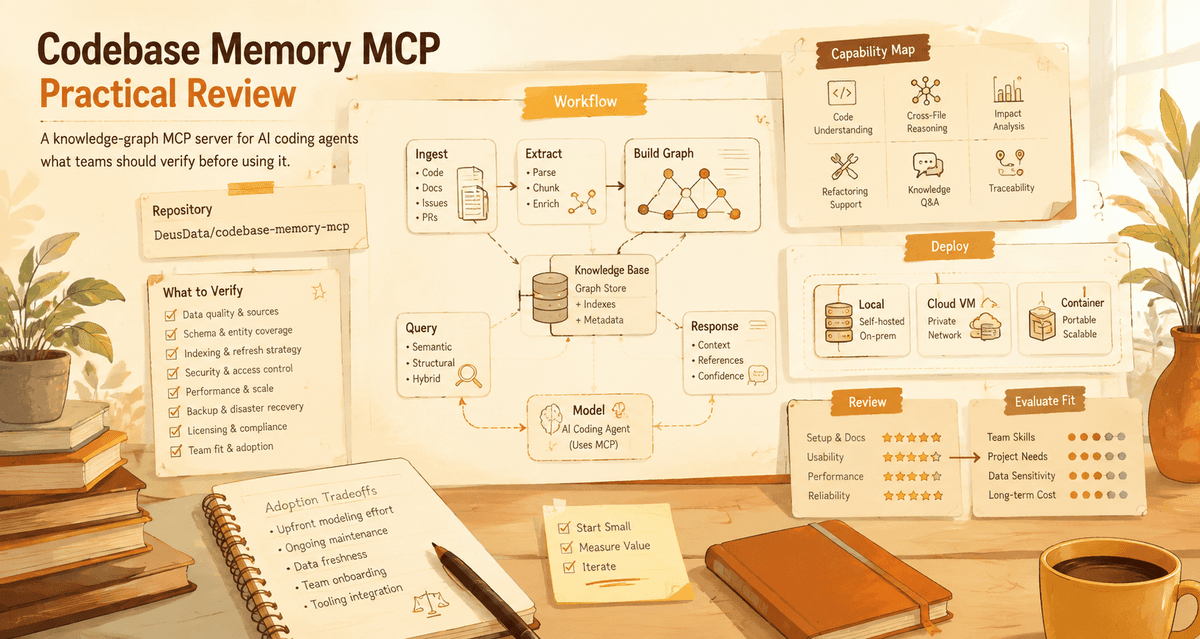
Codebase Memory MCP: Is Code Intelligence Becoming Agent Infrastructure?
A practical review of Codebase Memory MCP, a knowledge-graph MCP server for AI coding agents, and what teams should verify before using it.
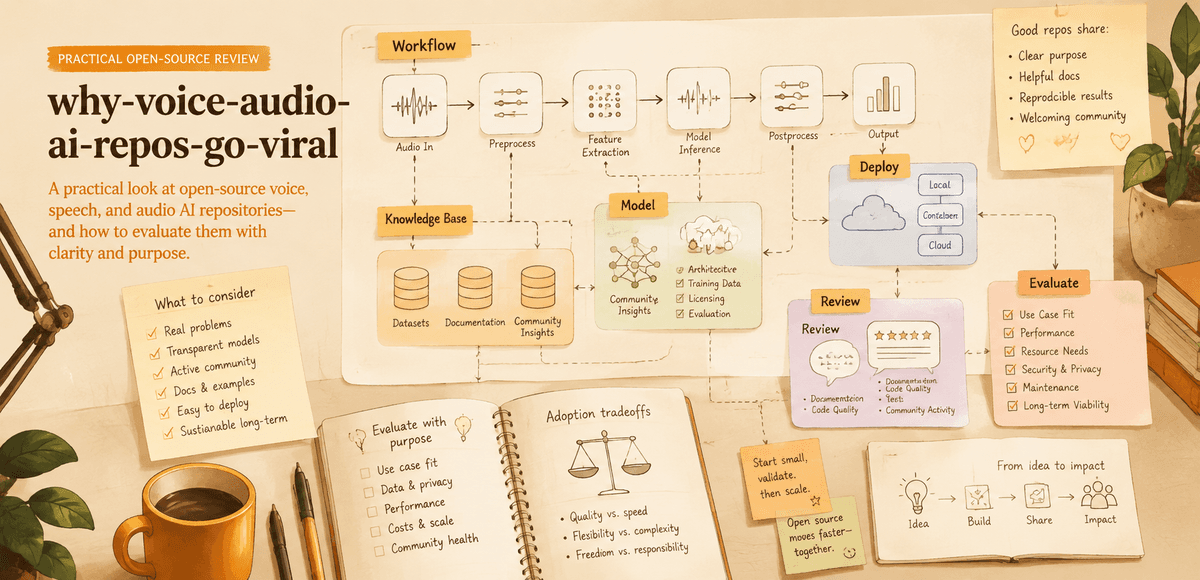
Why Voice and Audio AI Projects Are Becoming Viral
A practical look at why open-source voice, speech, and audio AI repositories attract attention and how users should evaluate them.
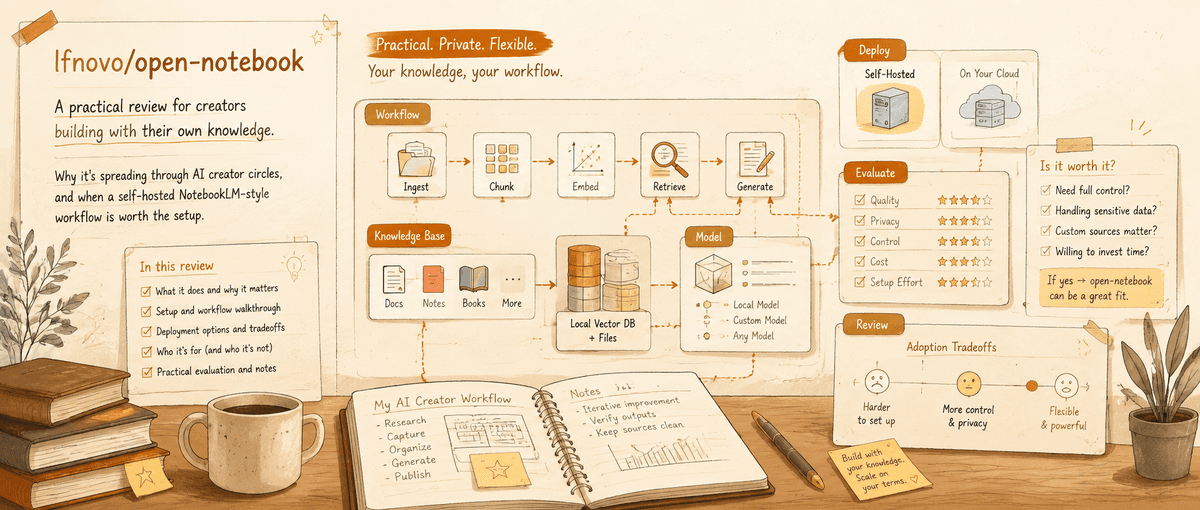
Open Notebook: The Practical NotebookLM Alternative for People Who Need Control
A Git-Stars review of open-notebook, why it is spreading through AI creator circles, and when a self-hosted NotebookLM-style workflow is worth the setup.
Newsletter
Join the community
Subscribe to our newsletter for the latest news and updates