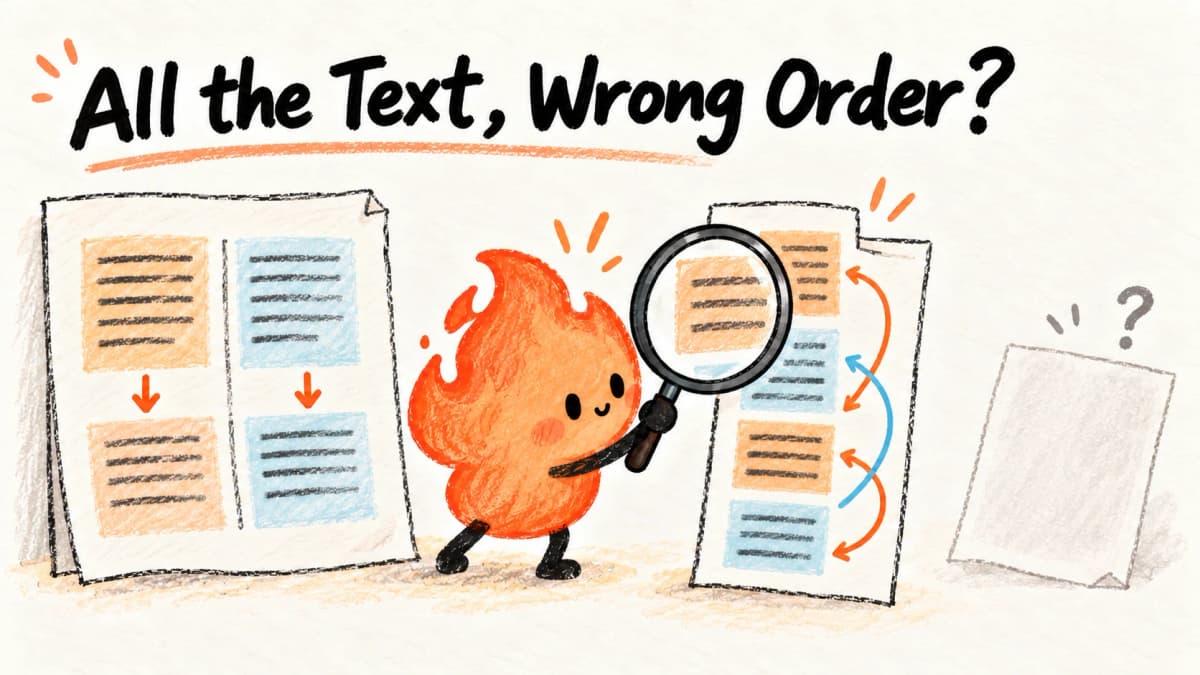
AI-generated hand-drawn flame illustration summarizing the article, not a product screenshot or test evidence.
Text extracted, task complete? Five PDFs expose order and missing-page problems
A hands-on comparison of MarkItDown, pypdf and sorted PyMuPDF extraction on five owned PDFs, with raw outputs, preset checks and missing-page failures.
Reading basis · Local functional experiment
2026-10-16 (Asia/Shanghai) · MarkItDown 0.1.8 / pypdf 6.21.0 / PyMuPDF 1.28.2 / Python 3.12.13
Windows 11, isolated Python environment; no OCR service or LLM. PyMuPDF used sorted plain-text extraction.
Three parsers processed the same five owned synthetic PDFs. Fifteen raw outputs check field retention, table pairing, two-column order and missing image pages.
Small English fixtures, not a population accuracy benchmark. No OCR, structured-cell validation, Docling or MinerU test. All parsers missed image-only content under these settings.
These are observations within the stated scope, not certification or a comprehensive quality verdict.
A text file is often the first output on the way to a document knowledge base. Its existence is reassuring, but it says little about whether the document's task survived conversion. Instructions can change order. An image-only page can disappear while the remaining text makes the conversion look successful.
We ran five owned, synthetic English PDFs in an isolated Python 3.12.13 environment on Windows 11. The configurations were MarkItDown 0.1.8, pypdf 6.21.0 and PyMuPDF 1.28.2 with sort=True. No OCR, model API or remote recognition service was used. This compares those configurations, not the entire document-parsing market. Docling and MinerU were not executed and have no scores in this trial.
Inspect the failure without installing anything
Download the samples and outputs. Open columns.pdf first. Its explicit instruction is to read down the left column, then down the right, giving STEP-1, STEP-2, STEP-3, STEP-4.
Now open the three matching text files. MarkItDown produced 1, 3, 2, 4. pypdf followed the order used to write this PDF's contents: 3, 4, 1, 2. Sorted PyMuPDF placed left and right columns on the same text lines, making the linear sequence 1, 3, 2, 4. Every step label was present, but none met the declared column-order criterion.
There is not one correct reading order for every PDF. We explicitly specified the order for this fixture and deliberately wrote the right column before the left. The fixture exposes a reproducible boundary between content-stream order and intended reading order; it does not estimate how frequently ordinary PDFs have this problem.
What the five files revealed
| Sample | MarkItDown | pypdf | PyMuPDF, sorted text |
|---|---|---|---|
| Plain-text policy | All three preset fields present | All three present | All three present |
| Two-row product-price table | Names and amounts present; linear text lost row pairing | Names and amounts present in column-writing order | More readable row alignment in spaces, not verified structured cells |
| Two-column instructions | All labels present, declared order failed | All labels present, declared order failed | All labels present, linear order failed |
| Image-only page | Empty output | Empty output | Empty output |
| Text page followed by image page | First page retained; two second-page fields missing | Same image-page omissions | Same image-page omissions |
All fifteen conversion calls returned without an exception. A completed call is not a completed document task. The result CSV records character count, missing tokens and the reading-order check where applicable. A field-presence pass is deliberately not an overall document-quality pass.
Why a table can look safer than it is
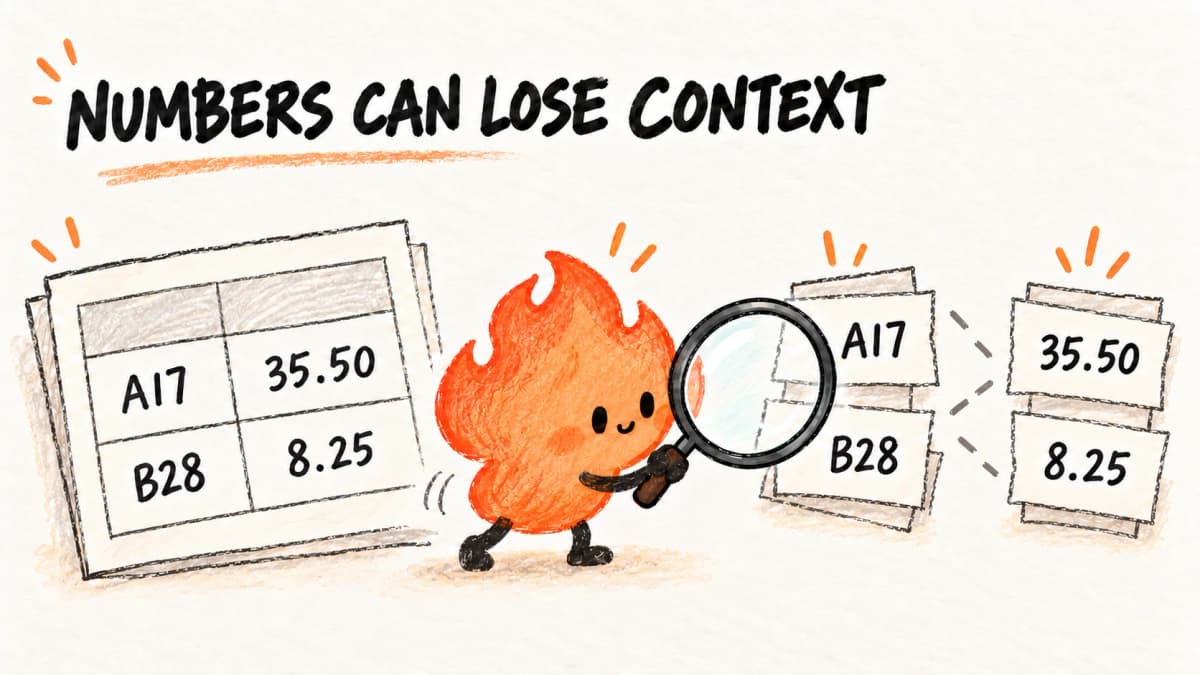
In table.pdf, A17 costs 35.50 and B28 costs 8.25. MarkItDown's output put the two product identifiers together and the two amounts together. Searching for either A17 or 35.50 succeeds, but finding both does not establish that a downstream reader will associate them correctly.
Sorted PyMuPDF preserved a clearer row alignment in this simple file. That remains space-padded text, not a validated table database. Asking a model to rebuild the table adds another opportunity to change the association. For invoices, quotations or inventory, the useful check is whether the product, quantity and amount still belong to the same row, not how many numbers can be found. Merged cells, multi-page tables and real invoice accuracy were outside this trial.
A non-empty result can still omit a page
The image-only fixture contains rasterized text but no extractable text layer. None of the tested configurations ran OCR, so empty extraction reflects their configured scope. The pypdf extraction guide distinguishes extraction from OCR; PyMuPDF's extraction documentation explains original and sorted reading order.
The mixed file is a more deceptive case. Its first page yields text, making the output non-empty, while PAGE-TWO and 73.25 from its image page are absent. A non-empty-file check cannot detect that loss. This does not establish that any product lacks OCR support. It establishes that these no-OCR configurations did not read the image text. Adding OCR calls for separate checks of language, image quality and the exact fields that matter.
A practical check for your own documents
Start with one representative, low-sensitivity file rather than an entire private archive. Before converting, note a table-row association, a negative statement, two ordered steps and something from the last page. These become your reference, not a conclusion invented after seeing the output.
Locate each item in the converted file. Do not accept an AI assistant's general assurance that nothing is missing: the assistant may never have received the omitted page either. If an image page is absent, decide whether OCR is appropriate and compare its dates, names and amounts with the original image.
If a technical helper or coding assistant runs the conversion, a useful instruction is:
Use only this public test PDF. Record the converter version and whether OCR is enabled. Keep the untouched output. Check my specified fields and reading order separately. Do not treat a completed process, a non-empty result or complete token presence as an overall pass, and do not repair missing source content by guessing.
Choose the next test, not a universal winner
For simple text, these fixtures do not justify declaring one engine more accurate. Setup effort and existing workflow may matter more. MarkItDown also converts multiple formats into Markdown; a PDF text-extraction trial does not compare that whole capability with specialized PDF libraries. The MarkItDown review covers that broader decision.
When reading order, table structure or image text is essential, evaluate a corresponding parsing route on the same inputs. Do not fill the empty cells with untested Docling, MinerU or OCR claims. Five synthetic English files cannot establish accuracy on Chinese contracts, confidential business documents or production workloads.
Git-Stars owns the fixture content; no real business data was used. Raw outputs retain their mistakes rather than being tidied into plausible answers. The method and reproduction notes list exact settings and interpretation limits. Before adding a model, continue with the document-answer evidence experiment: content missed upstream should not be invented downstream.
Continue your evaluation
Newsletter
Join the community
Subscribe to our newsletter for the latest news and updates