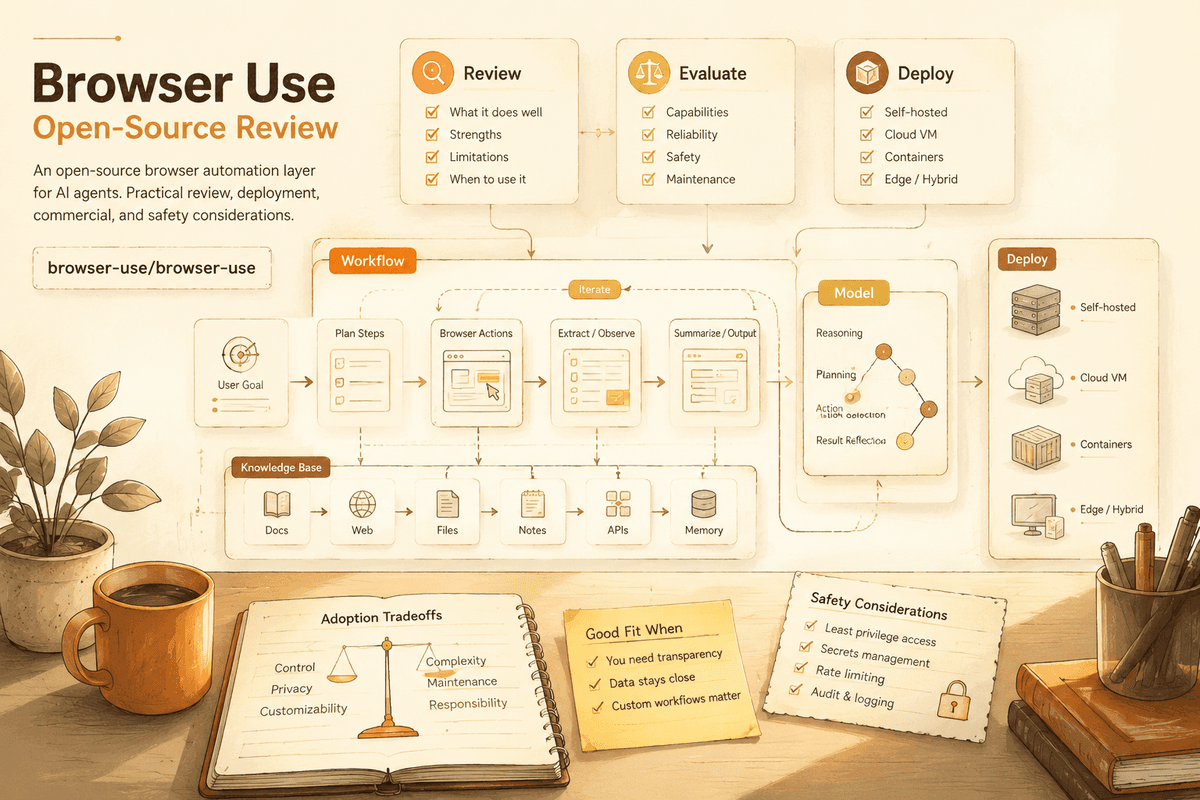
Browser Use: Web Automation Agents Need Permission and Patience
A practical review of Browser Use, the open-source browser automation layer for AI agents, with deployment, commercial, and safety considerations.
Many useful tasks still happen in browsers. A user logs into a dashboard, searches a site, fills a form, reads a table, downloads a report, or compares prices. If AI agents are going to do real work, they need a way to interact with web pages beyond plain text.
That is why Browser Use keeps appearing in AI agent stacks. TikHub captured it in a July 2026 YouTube video with 33,282 views, where it was framed as the "hands" of a self-hosted AI agent architecture. The same video paired it with Firecrawl, Mem0, CrewAI, Langflow, RAGFlow, LocalAI, and AnythingLLM.
When checked through GitHub metadata during this research pass, Browser Use had more than 100,000 stars, Python as its main language, an MIT license, and topics including AI agents, browser automation, LLM, Playwright, and Python. That mix explains the attention: it connects agent reasoning to web action.
The Real Problem It Solves
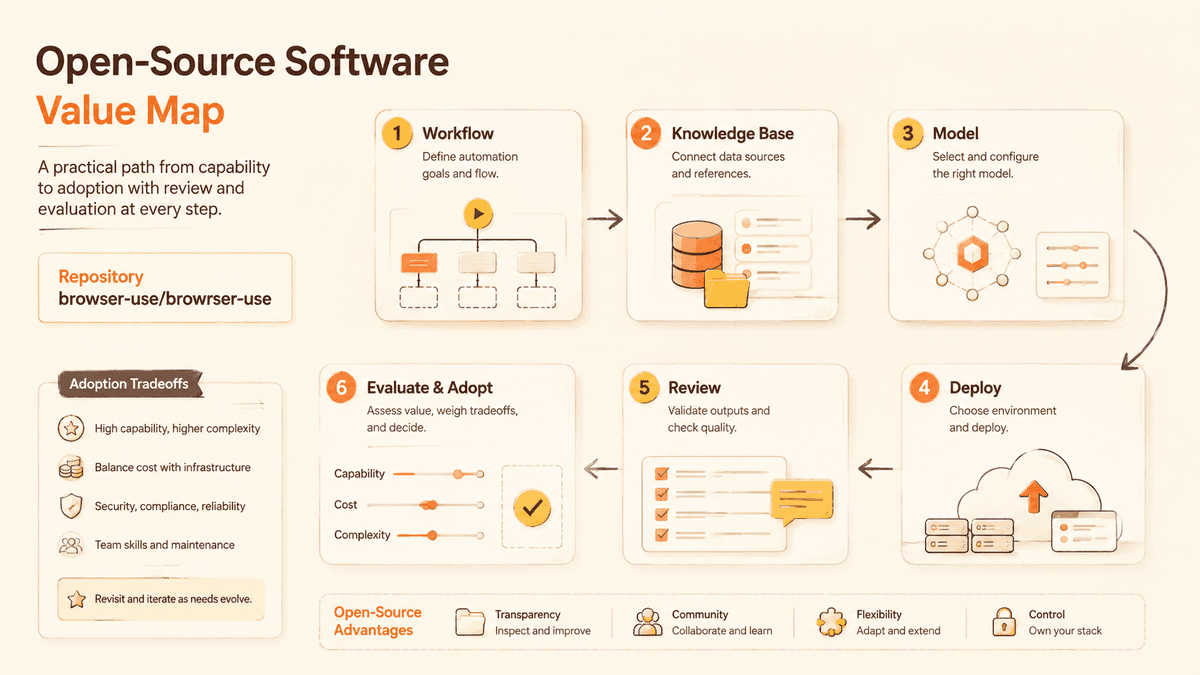
LLMs can read and write text, but many workflows require interface actions. APIs are not always available. Internal tools may only exist as web dashboards. Legacy SaaS products may not expose the exact endpoint a user needs. A browser automation layer gives agents a way to see and act in those environments.
Browser Use tries to make websites accessible to AI agents. Instead of asking a model to guess from raw HTML, the tool helps represent browser state and actions in a way an agent can use.
The real value is not "AI clicks buttons." The value is turning messy UI work into inspectable steps: observe, decide, click, type, wait, verify.
Why It Went Social
The social appeal is immediate. Watching an agent use a browser feels closer to a human assistant than a command-line script. It suggests practical automation: research, QA, data entry, form workflows, admin dashboards, and repetitive web tasks.
It also fits the larger agent stack story. Firecrawl can extract web context. Mem0 can remember user preferences. Langflow or CrewAI can orchestrate steps. Browser Use can perform actions. That modular story is easy to share.
The caution is that browser automation is fragile. Websites change, buttons move, popups appear, sessions expire, and anti-bot systems may block automated behavior. A demo can look magical while the production version needs many guardrails.
Deployment Difficulty
Git-Stars score: Medium
For developers, Browser Use is approachable if they understand Python, Playwright-style automation, environment variables, and model provider setup. The difficulty grows with the target site. A stable internal dashboard is much easier than a consumer website with heavy anti-bot controls and dynamic UI.
For non-coders, this is not a simple install-and-forget tool. A safer first step is to ask Codex or Claude to create a narrow local demo: open a harmless page, read visible text, and complete a non-sensitive action. Do not start with banking, email, production admin panels, or personal accounts.
Every browser agent needs test data, scoped credentials, and a way to stop when the page state is unexpected.
Commercial Usability
Git-Stars score: High for license, Medium for policy
Browser Use reports an MIT license, which is business friendly. Commercial adoption depends on what websites you automate and whether you have permission.
Automating your own internal tools is very different from automating third-party sites. Terms of service, rate limits, privacy rules, and account safety all matter. Teams should document allowed targets and forbid agents from handling sensitive workflows until they have review and logging.
The best commercial use cases are controlled: internal QA, admin workflows, operator assistance, research over permitted pages, and repetitive tasks where humans review final output.
Capability Ceiling
Git-Stars score: High for controlled workflows, Medium for the open web
The ceiling is high when the environment is predictable. If a dashboard changes slowly and tasks are scoped, browser agents can save real time.
The ceiling is lower on arbitrary websites. Visual changes, consent banners, captchas, localization, session timeout, and hidden state make automation unreliable. An agent can also make mistakes faster than a human if it is allowed to click without confirmation.
The strongest pattern is human-in-the-loop automation: let the agent prepare, navigate, and suggest actions, but require confirmation for destructive or sensitive steps.
Alternatives and Comparisons
Playwright is the underlying style of browser automation many developers already know. Browser Use adds an agent-oriented layer.
Firecrawl is better for extracting web content into Markdown or structured context. Browser Use is better when interaction is required.
Crawl4AI focuses on LLM-friendly crawling and scraping. Browser Use focuses more on action loops.
Manual browser work remains safer for high-risk tasks. Automation should be earned by testing, not assumed from a demo.
Git-Stars Verdict
Browser Use is valuable because it gives agents a path from text reasoning to web action. That is a major step toward practical automation.
The adoption rule should be conservative: automate only what you are allowed to automate, start with low-risk pages, log actions, and require human confirmation for sensitive steps. Browser agents can be powerful teammates, but they need permissions, boundaries, and patience.
More Insights
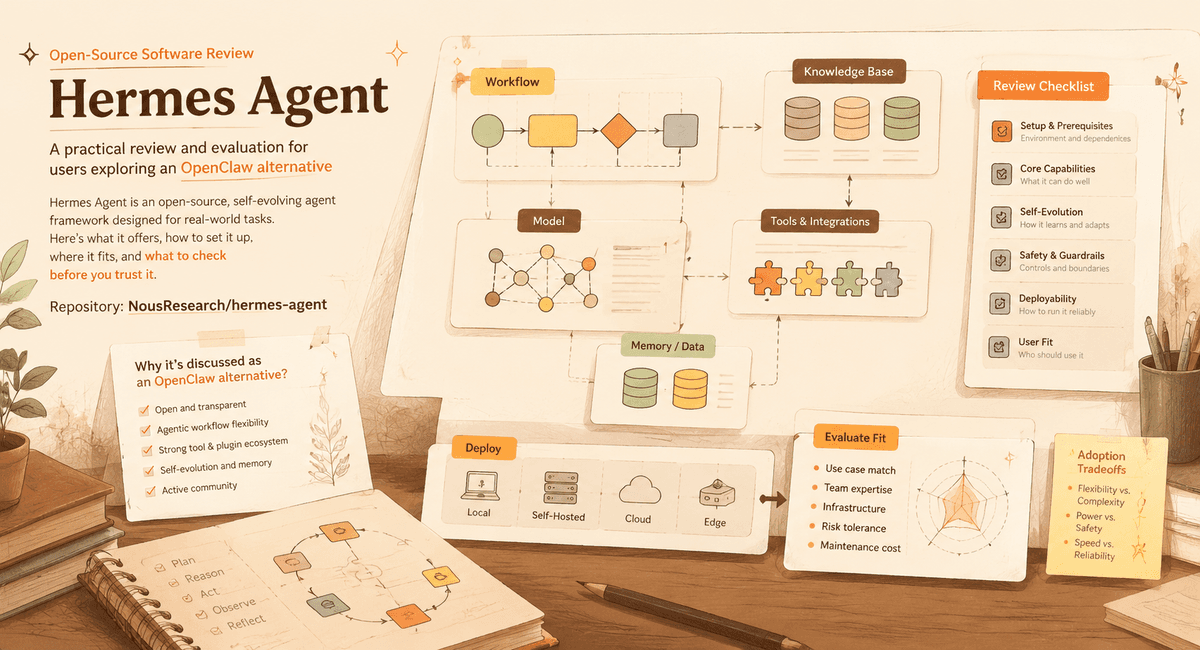
Hermes Agent: Self-Evolving AI Assistant or Another Agent Hype Cycle?
A Git-Stars review of Hermes Agent, why it is being discussed as an OpenClaw alternative, and what users should check before trusting a self-evolving agent.
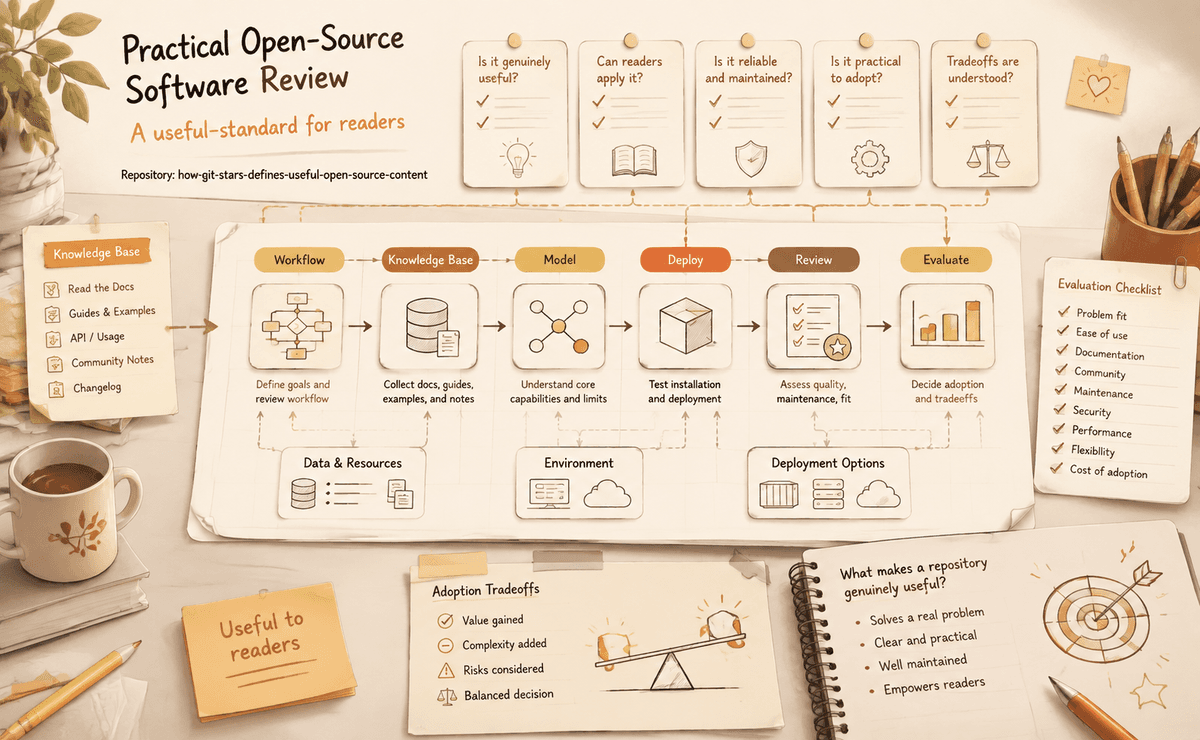
How Git-Stars Defines Useful Open-Source Content
The editorial standard Git-Stars uses to decide whether repository analysis is genuinely useful to readers.
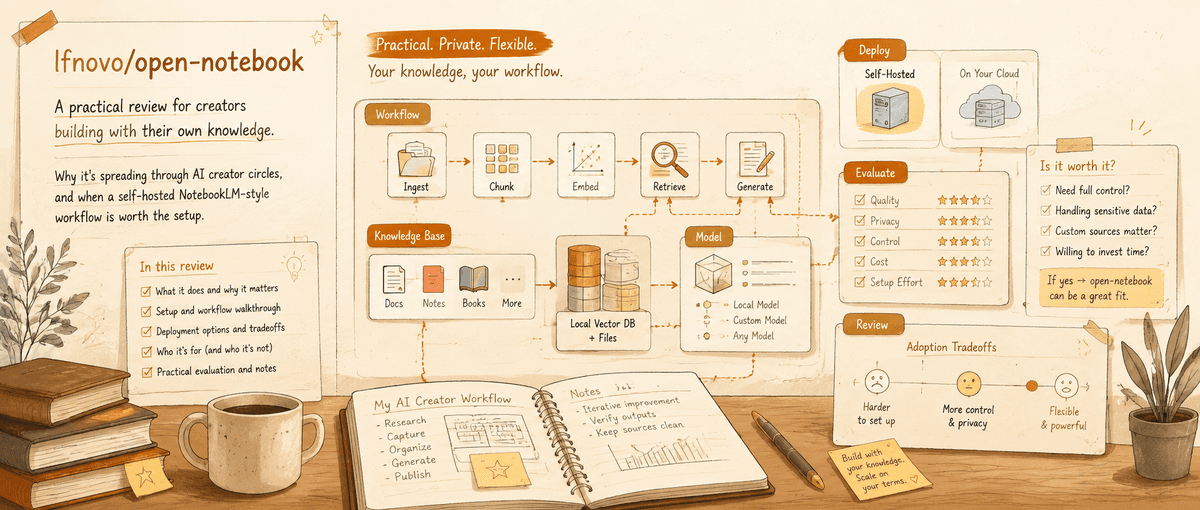
Open Notebook: The Practical NotebookLM Alternative for People Who Need Control
A Git-Stars review of open-notebook, why it is spreading through AI creator circles, and when a self-hosted NotebookLM-style workflow is worth the setup.
Newsletter
Join the community
Subscribe to our newsletter for the latest news and updates