
Dify: Low-Code AI Workflows Still Need Product Ownership
A practical review of Dify, its agentic workflow and RAG platform, and what teams should understand before self-hosting or building on it.
Low-code AI platforms are popular because they promise speed. A team can sketch an assistant, connect a model, add tools, attach a knowledge base, and publish a workflow without building every layer from scratch. That is useful, but it also creates a new responsibility: someone still has to own the product behavior.
Dify is one of the most visible projects in this category. TikHub captured it in a July 2026 YouTube video with 33,282 views about open-source AI repositories for self-hosted agent stacks. The video grouped Dify with workflow builders, RAG tools, and agent orchestration systems. That is the right context: Dify is not a single-purpose library. It is a workspace for building AI applications.
When checked on August 13, 2026, Dify had about 152,341 GitHub stars, 24,045
forks, recent activity, TypeScript as its main language, and a custom license
reported by GitHub as NOASSERTION. Its license text is based on Apache-2.0
with additional conditions, including restrictions around multi-tenant service
operation and frontend logo/copyright removal.
The Real Problem It Solves
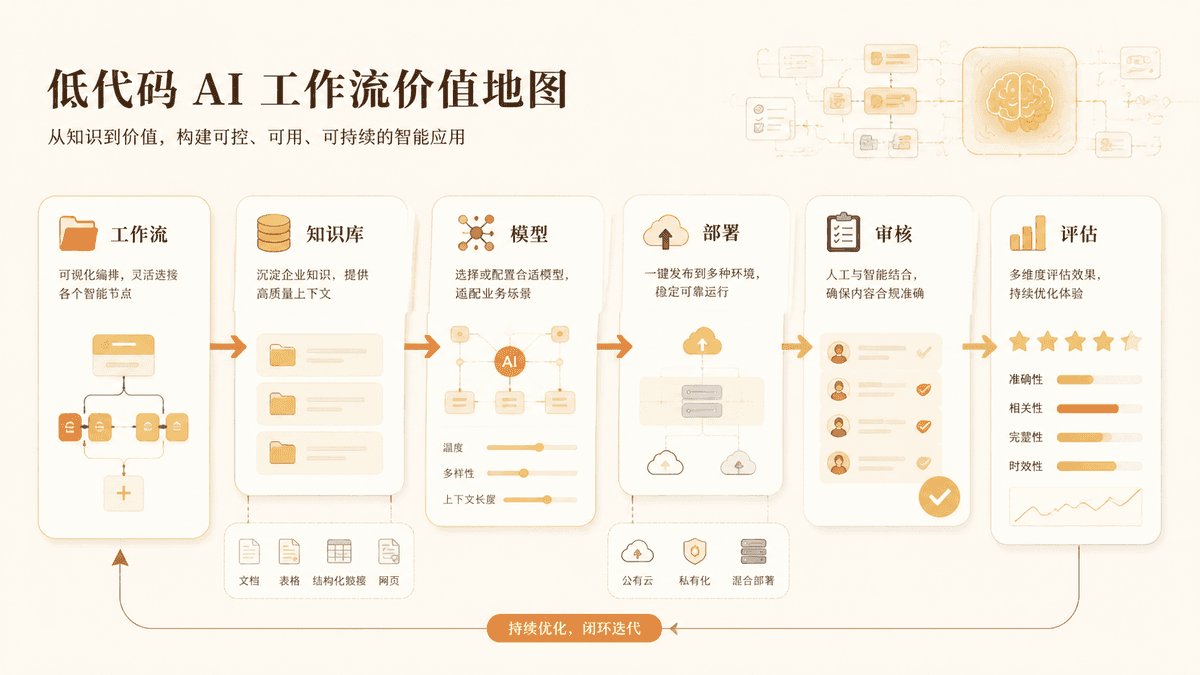
Many teams can prototype an AI feature quickly. They struggle when the prototype needs tools, model switching, RAG, user-facing workflows, monitoring, and a way for non-infrastructure people to adjust behavior.
Dify packages those concerns into one product surface. A product manager, developer, or AI builder can design prompts and flows, connect providers, add a knowledge base, expose an app, and iterate faster than a fully custom stack.
The value is especially clear when AI is not the entire product. If an existing company wants an internal assistant, support workflow, lead qualification flow, or document Q&A app, Dify can reduce the amount of glue code needed to reach a testable version.
Why It Went Social
Dify spreads because it makes AI app building visible. A diagram or workflow is easier to share than a backend service. People can imagine non-engineers participating in the build process.
The social pitch also matches the current market. Teams want AI workflows but do not want to hire a full platform team before proving the use case. Dify says: start with a workspace, then decide how far to customize.
That pitch is useful, but it should not hide the hard questions. Who owns the final answer quality? Who approves tools? Who decides when a workflow is safe for customers? Low-code does not remove those decisions. It moves them into a visual product layer.
Deployment Difficulty
Git-Stars score: Medium to High
Dify offers cloud and self-hosted paths. Cloud is easier for evaluation. Self-hosting is more serious: teams need to configure services, model providers, storage, workers, authentication, and upgrades.
For developers, the self-hosted path is realistic if the team is comfortable with Docker, environment variables, and production operations. For non-coders, it is better to start with cloud or a guided local demo. Ask Codex or Claude to turn the docs into a deployment checklist before touching production data.
The hardest part is not the first boot. The hard part is lifecycle: backups, version upgrades, provider changes, workflow review, and user permissions.
Commercial Usability
Git-Stars score: Medium
Dify is commercially usable, but the license needs careful reading. The project license is not plain Apache-2.0. It adds conditions around multi-tenant service operation and brand/copyright display in the frontend.
That does not make it unusable. It means companies should understand their use case before adopting it. Internal use, prototypes, and single-tenant deployments may be straightforward. Offering Dify as a multi-tenant service or deeply rebranding the console can require a commercial license or written permission.
This is a good example of why Git-Stars separates "code available" from "commercially simple." A project can be extremely useful while still requiring license review.
Capability Ceiling
Git-Stars score: High for application assembly
Dify's ceiling is high when the goal is building AI apps from common parts: chat apps, RAG assistants, tool-using workflows, internal automations, and model-backed forms.
The ceiling is lower when a team needs unusual UX, deeply custom business logic, highly specialized evaluation, or strict platform ownership. At that point, Dify may become a control plane or prototype layer rather than the final application architecture.
The best teams will treat Dify flows as product artifacts. They will review prompts, test failure cases, track user feedback, and document tool permissions.
Alternatives and Comparisons
Langflow is more developer-workflow oriented and Python-customizable. It is strong for visual experimentation and MCP/API deployment.
n8n is broader workflow automation with AI capabilities. It is excellent for integrations, but Dify is more AI-app specific.
RAGFlow is deeper on document retrieval. Dify is broader across app and agent workflow construction.
Custom code remains better when the AI behavior is core product IP or needs strict engineering control.
Git-Stars Verdict
Dify is popular for a real reason: it helps teams turn AI ideas into working applications faster. Its value is not only low-code convenience, but the way it brings prompts, tools, RAG, providers, and app surfaces into one workspace.
The main caution is ownership. A visual workflow can still produce bad product behavior. A custom license can still affect business plans. Use Dify when speed and iteration matter, but keep product review, legal review, and deployment discipline in the loop.
更多洞察
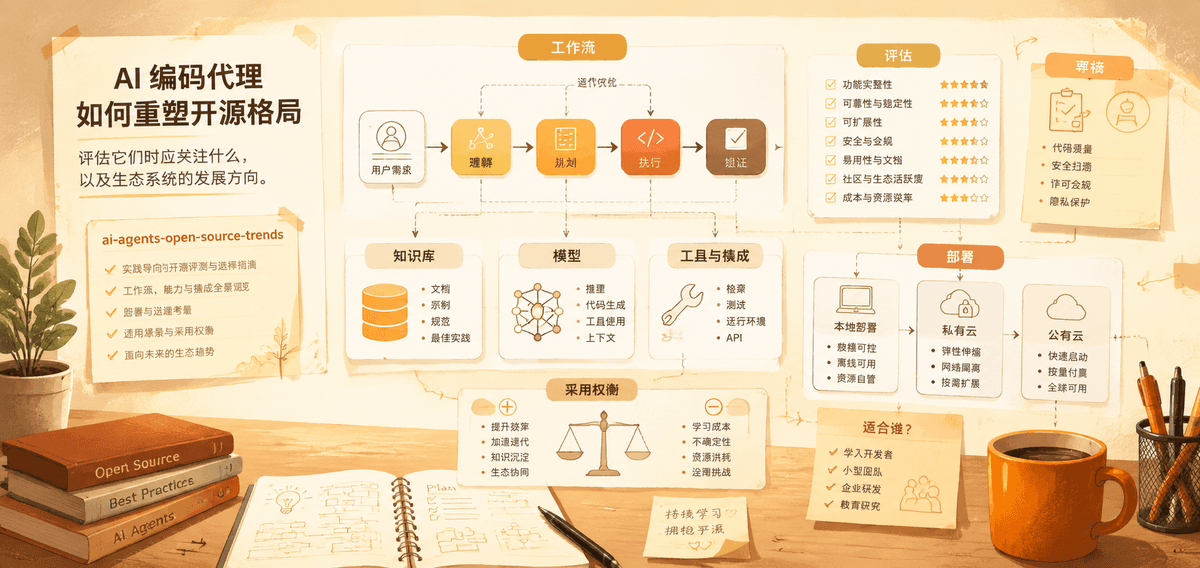
开源 AI Agent 的崛起:趋势与评估
AI 编码代理如何重塑开源格局、评估它们时应关注什么,以及生态系统的发展方向。

Hallmark and Design Skills: Can Open Source Teach AI Better Taste?
A Git-Stars review of Hallmark, emilkowalski/skills, and why reusable design guidance matters for Codex, Claude Code, and AI-built interfaces.
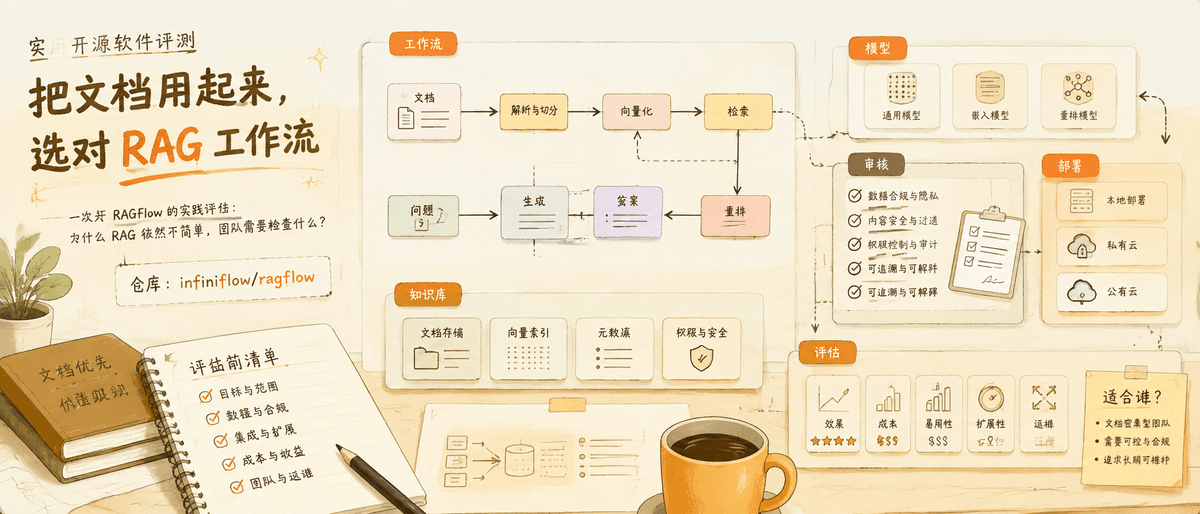
RAGFlow: Why Retrieval Tools Still Matter in the Agent Era
A practical review of RAGFlow, why RAG remains hard, and what teams should check before adopting a document-heavy AI workflow.
邮件列表
加入我们的社区
订阅邮件列表,及时获取最新消息和更新